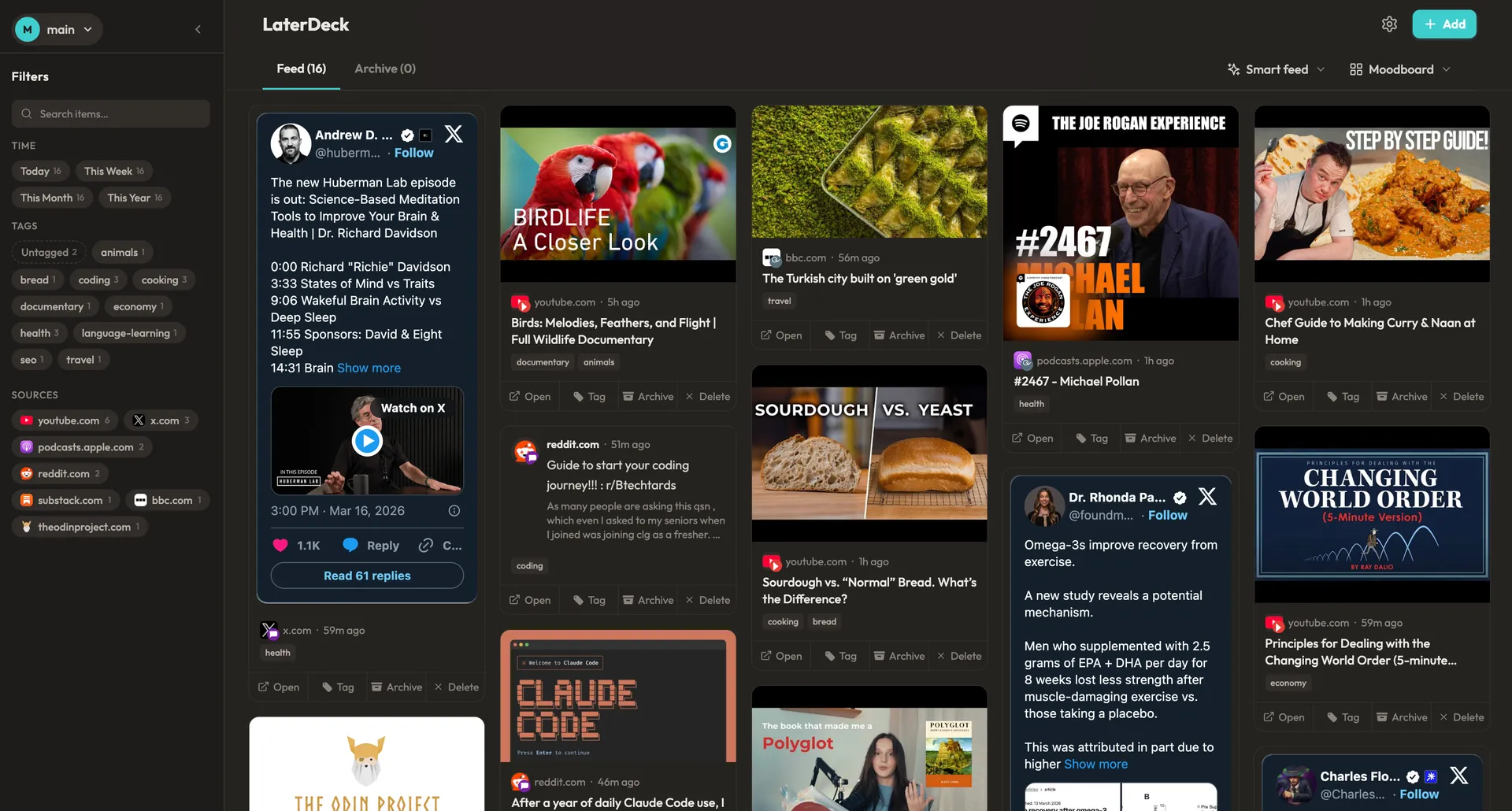
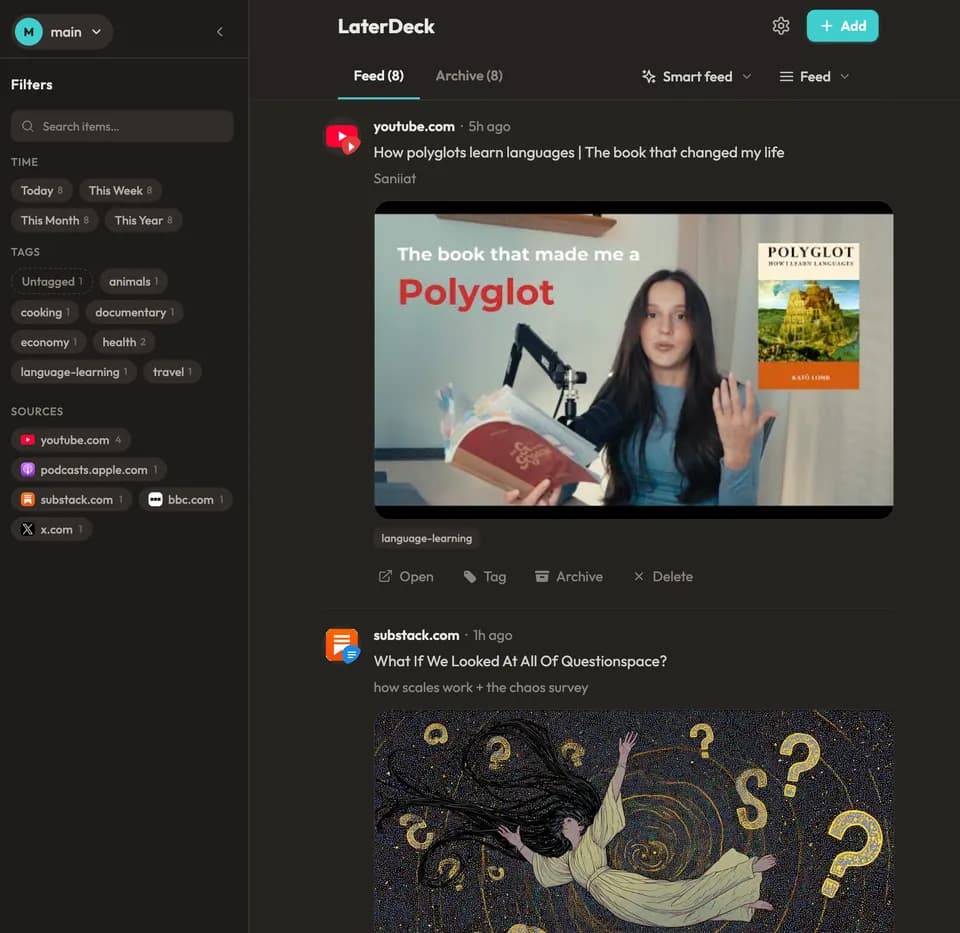
Your bookmarks are scattered across a dozen apps. YouTube Watch Later, Reddit saves, X bookmarks, Instagram collections. LaterDeck pulls them all into a single personal feed.
Articles, podcasts, videos, threads, recipes. If it has a URL, you can save it.
Like a bookshelf where every book was picked by you.
Browse your saves the way you scroll any other feed. Except here, every single item is something you chose. No ads, no algorithms pushing someone else's agenda.
Older saves resurface naturally over time, so the things you saved three months ago don't stay buried under yesterday's finds.
A read it later app that actually brings things back.
Share from any app to save on the go. Syncs instantly.
Coming Soon
Questions & answers
What is LaterDeck?
LaterDeck is a free read-it-later app and bookmark manager that brings everything you save into one personal feed. Save articles, videos, threads, recipes, podcasts, and more from any website with one click using the browser extension for Chrome, Firefox, Safari, and Edge, or save directly from the web app. Unlike traditional bookmark managers where saved content disappears into folders or chronological lists, LaterDeck uses a Smart Feed that resurfaces older saves over time — so the article you bookmarked three months ago doesn't stay buried under yesterday's finds. Your data syncs across every device automatically, so your feed is always up to date wherever you open it. LaterDeck works with content from YouTube, Reddit, X, Substack, Instagram, Medium, LinkedIn, Bluesky, Pinterest, Mastodon, and any other site with a URL. A free tier is available to get started, with paid plans for additional features.
How does the Smart Feed work?
Instead of showing your saves as a static chronological list, the Smart Feed blends recently saved items with older content you haven't revisited. Every time you open your feed, the algorithm evaluates how long each saved link has gone unseen — the longer something sits without being viewed, the higher its chances of resurfacing. This means an article you saved three months ago is more likely to appear than one you just looked at yesterday. You stay in control of what comes back: pin items to keep them visible at the top of your feed, archive content you've finished with, or dismiss things you no longer need. The result is a feed that feels fresh every time you open it, without requiring you to scroll through hundreds of old bookmarks. Think of it less like a reading list and more like a personal magazine that reshuffles itself around your interests.
Is LaterDeck free?
Yes. LaterDeck offers a generous free tier — save links from any website, browse your Smart Feed, and use the browser extension, all without paying. There are no ads and no tracking. You can sign up at app.laterdeck.com and start saving immediately with no credit card required. Paid plans are available for power users who want additional features. Core functionality — saving, browsing, and resurfacing your content — will always be free.
What browsers does LaterDeck support?
LaterDeck's browser extension is available for Chrome, Firefox, Safari, and Edge. The extension adds one-click saving to any page you visit — click the toolbar icon or right-click and choose "Save to LaterDeck" from the context menu. You can also save links directly from the web app at app.laterdeck.com, which works in any browser on any device. Mobile apps for iOS and Android are currently in development, but you can use the web app on your phone's browser to browse your feed on the go.
Is my data private with LaterDeck?
Yes. LaterDeck only stores what it needs to work — your saved URLs, titles, and tags. Your data is kept on our servers so your feed syncs seamlessly across every device, but we treat it as yours alone. We don't sell your data, don't run ads, and don't track your browsing beyond what you explicitly save. There is no analytics on your reading habits and no third-party data sharing. Your saved content is yours.